Login
The login screen is the entry point of the Asbest Scan App. It authenticates you against the ProMetronics platform before granting access to the capture workflow.
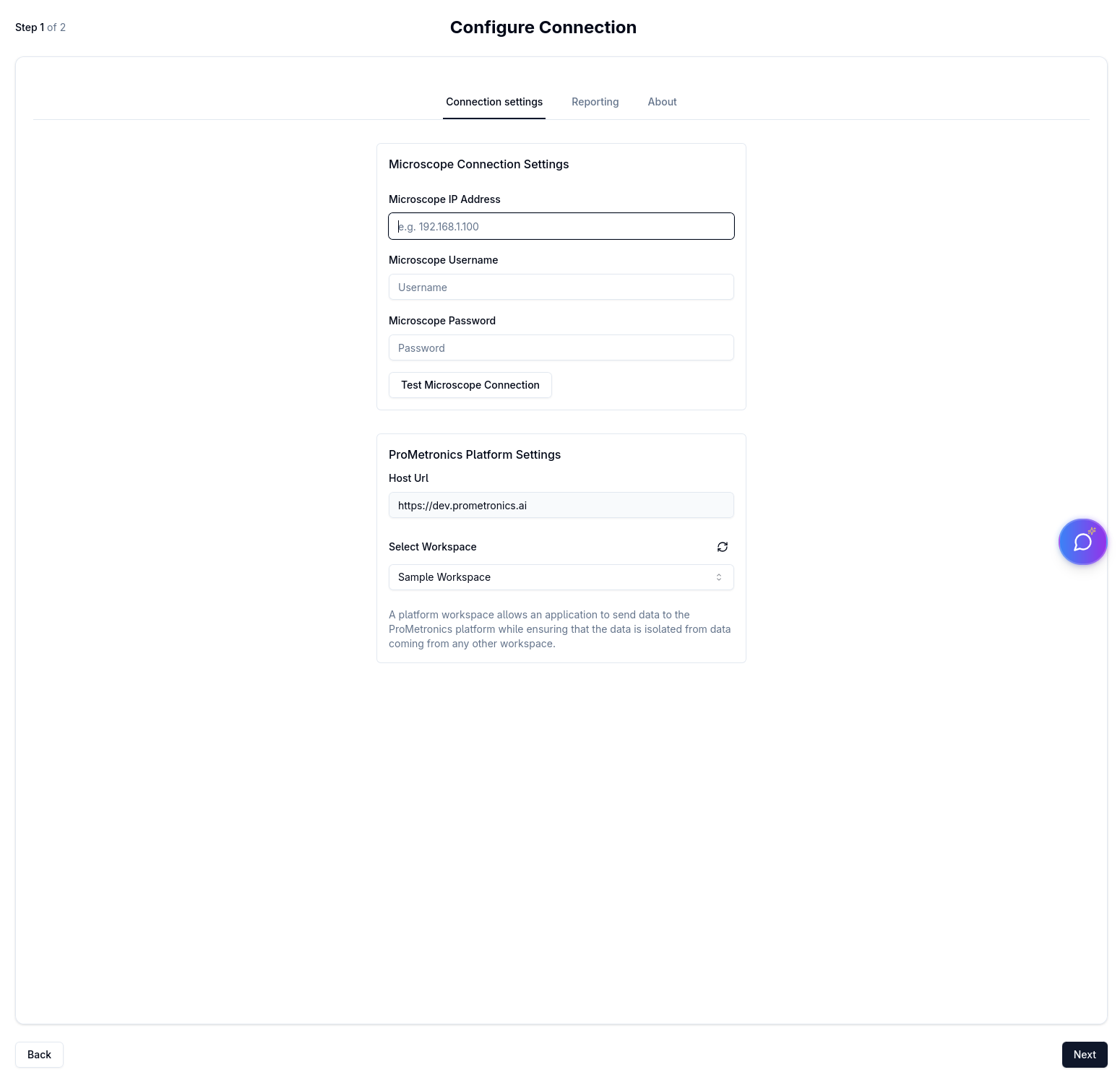
Fields
| Field | Description |
|---|---|
| Host | URL or IP address of the ProMetronics platform server |
| Username | Your platform account username |
| Password | Your platform account password (toggle the eye icon to show/hide) |
Logging in
- Enter your Host, Username, and Password.
- Click Login.
- The app validates your credentials against the platform.
What happens after login
After a successful login the app evaluates your cached connections:
- No cached connection found — you are redirected to the Connection Setup wizard so you can configure the microscope connection.
- Cached connection found — the app loads your stage configurations and navigates directly into the capture workflow. If no stage configurations exist yet, it redirects to the stage configuration setup.
:::info App version The current app version is displayed in the bottom-right corner of the login screen. :::