Select Samples
The Select Samples screen lets you choose which stub regions from the stage configuration should be included in the current capture run.
Choosing a stage configuration
Use the Stage Configuration dropdown at the top of the screen to select which saved configuration to work with. The canvas updates to show the regions defined in that configuration.
Selecting regions
The canvas displays all regions as colored circles:
| Visual | Meaning |
|---|---|
| Green circle with checkmark | Region is selected for capture |
| Red circle with X | Region is not selected |
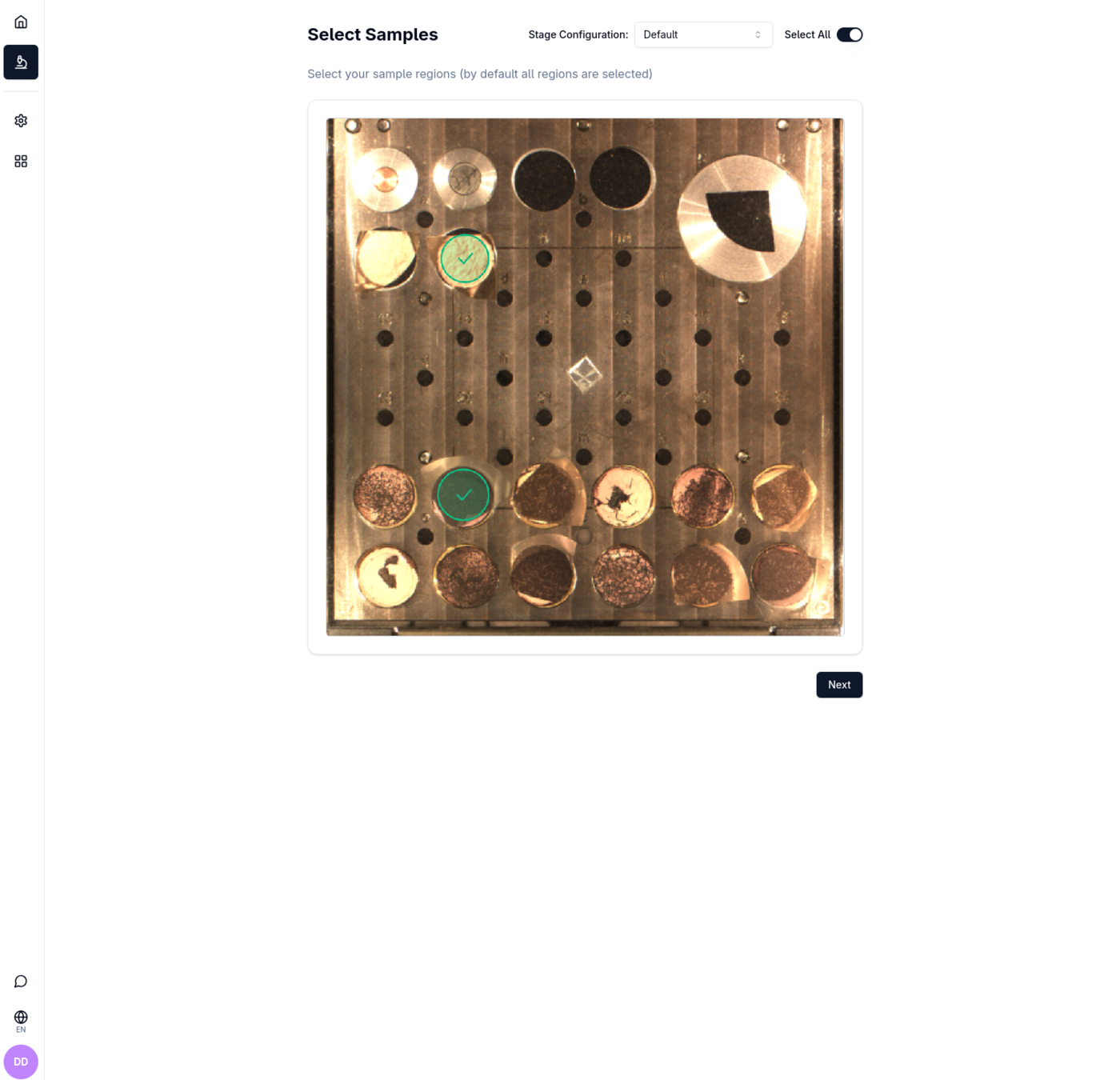
Click a region on the canvas to toggle its selection state.
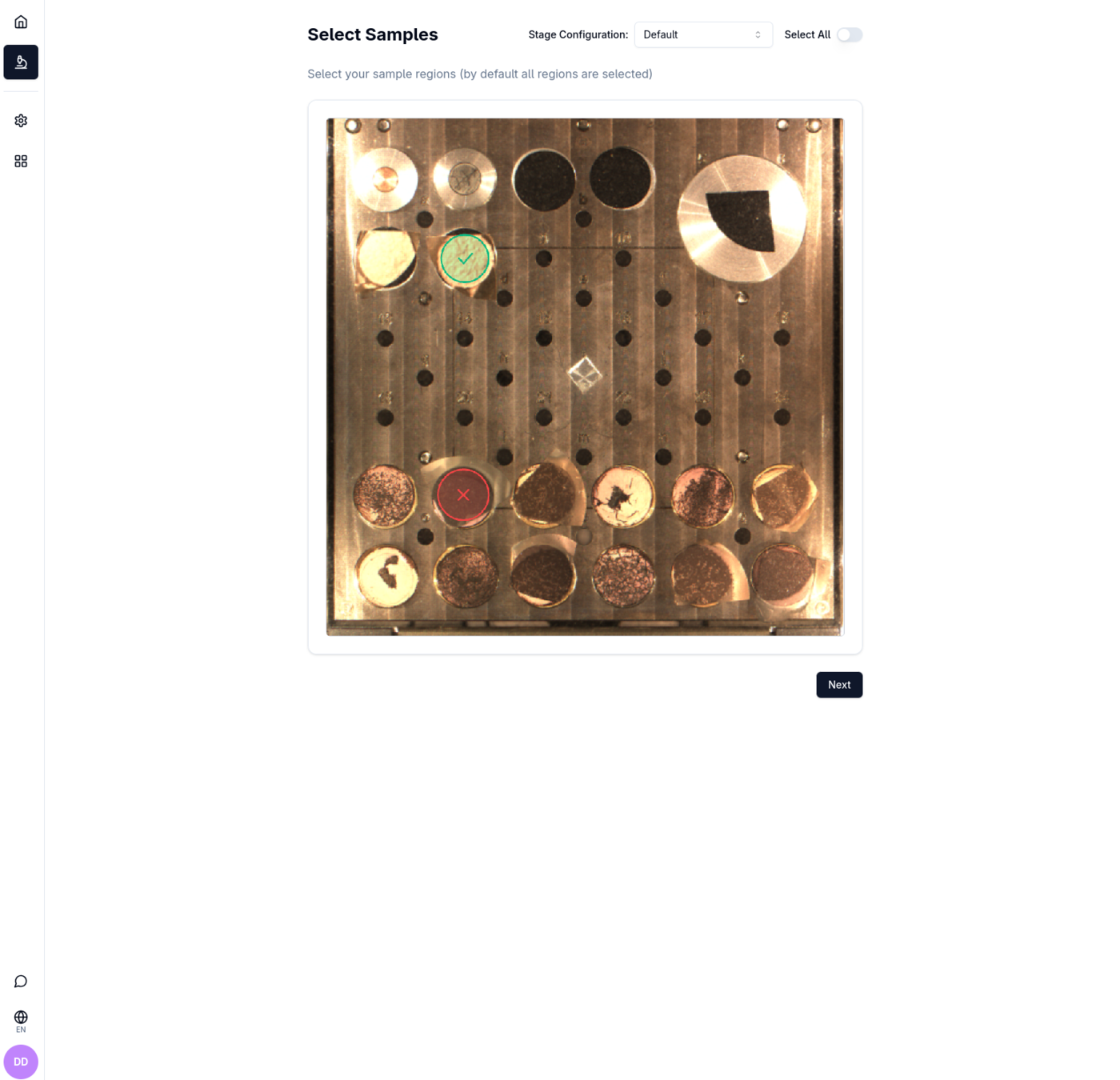
Select All toggle
The Select All toggle switch (top-right) selects or deselects every region at once.
Proceeding
The Next button is disabled until at least one region is selected. Once you have made your selection, click Next to proceed to Configure Samples.
No stage configurations found
If no stage configurations exist yet, the screen shows an empty state with a Create Stage Configuration button. Clicking it starts the Stage Configuration setup flow so you can define regions before returning here.